Creating a cosy and functional home workspace is more important than ever, especially with the rise of remote working and freelancing. A well-designed office not only boosts your productivity but also contributes positively to your wellbeing. In this guide, we’ll explore various tips and ideas to help you craft a home workspace that feels welcoming and supports your daily tasks efficiently.
Why a Cosy and Functional Workspace Matters
Your home workspace is where focus and creativity come together. Comfort reduces distractions caused by discomfort or clutter, while functionality ensures you have everything you need close at hand. Combining these elements leads to a balanced environment that fosters motivation and reduces stress.
1. Choose the Right Location
Selecting the ideal spot for your workspace is the first step.
– Natural Light: Aim for a space near windows to benefit from daylight, which improves mood and concentration.
– Quiet Environment: Pick a quiet corner away from household noise to maintain focus.
– Space Considerations: Make sure the area is big enough for your desk, chair, and any equipment or storage you require.
2. Invest in a Comfortable Chair and Desk
Ergonomics are crucial for a functional office.
– Ergonomic Chair: Choose one with adjustable height, good back support, and comfortable cushioning.
– Desk Size: Your desk should be large enough for your computer, keyboard, and paperwork without feeling cramped.
– Desk Height: Ideally, the desk should allow you to type with your forearms parallel to the floor and feet flat on the ground.
3. Prioritise Organisation and Storage
Keeping your workspace tidy encourages a clear mind.
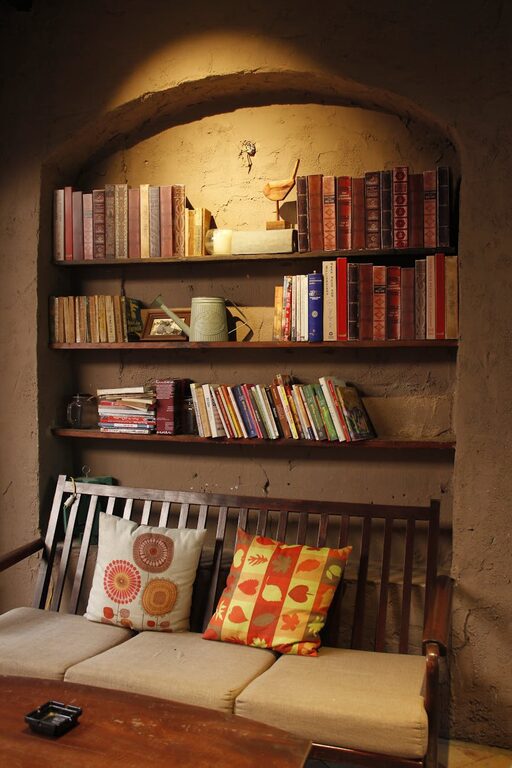
– Storage Solutions: Use shelves, drawers, or filing cabinets to keep documents and supplies organised.
– Desk Organisers: Pen holders, trays, and cable organisers reduce clutter on your desk.
– Minimalism: Only keep essentials on your desk to maintain a neat environment.
4. Personalise Your Space
Adding personal touches makes your workspace feel inviting.
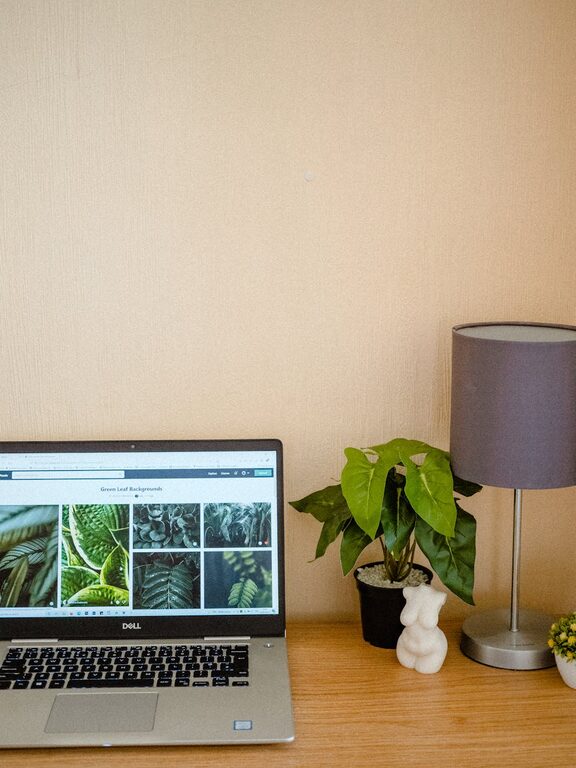
– Plants: Small indoor plants improve air quality and add a splash of nature.
– Artwork: Hang pictures or prints that inspire you, but avoid overly distracting images.
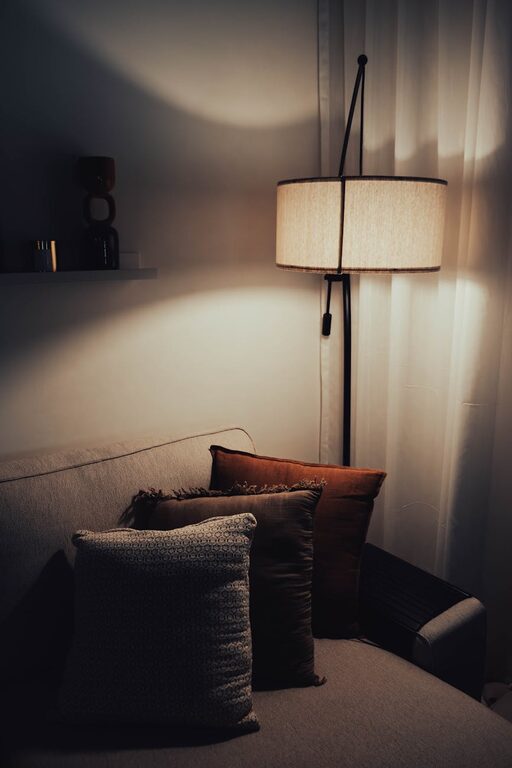
– Lighting: Use warm-coloured lamps to create a cosy atmosphere, complementing natural light.
5. Use Effective Lighting
Good lighting reduces eye strain and improves mood.
– Desk Lamp: Choose a lamp with adjustable brightness and direction.
– Layered Lighting: Combine overhead lighting with task lighting for the best effect.
– Avoid Glare: Position screens and lamps to prevent reflections and glare.
6. Maintain Good Air Quality and Temperature
Comfort isn’t only about furniture and layout.
– Ventilation: Keep windows open when possible for fresh air.
– Air Purifiers: Consider using one if your room feels stuffy or dusty.
– Temperature Control: A fan or heater can help you maintain a comfortable work temperature throughout the year.
7. Optimise Technology Setup
Efficient technology keeps workflow smooth.
– Cable Management: Use clips or sleeves to organise cables and avoid tangles.
– Monitor Positioning: Place your monitor at eye level to reduce neck strain.
– Audio: Good quality headphones or speakers improve focus and communication during calls.
8. Establish Boundaries and Routine
Creating clear boundaries prevents your work life from blending into your home life.
– Dedicated Workspace: Use your workspace only for work to train your mind to focus when you’re there.
– Organised Start and End of Day: Clean your desk and plan tasks to signal the start and finish of your working day.
– Break Zones: If possible, designate another area for regular breaks to step away from your workspace.
Final Thoughts
Designing a cosy and functional home workspace requires a balance of comfort, organisation, and personalisation. By carefully considering the location, ergonomics, storage, lighting, and atmosphere, you can create a space that makes working from home enjoyable and productive. Remember, the key is to tailor your workspace to your needs and preferences, so it feels like your own little haven of productivity.
About the Author